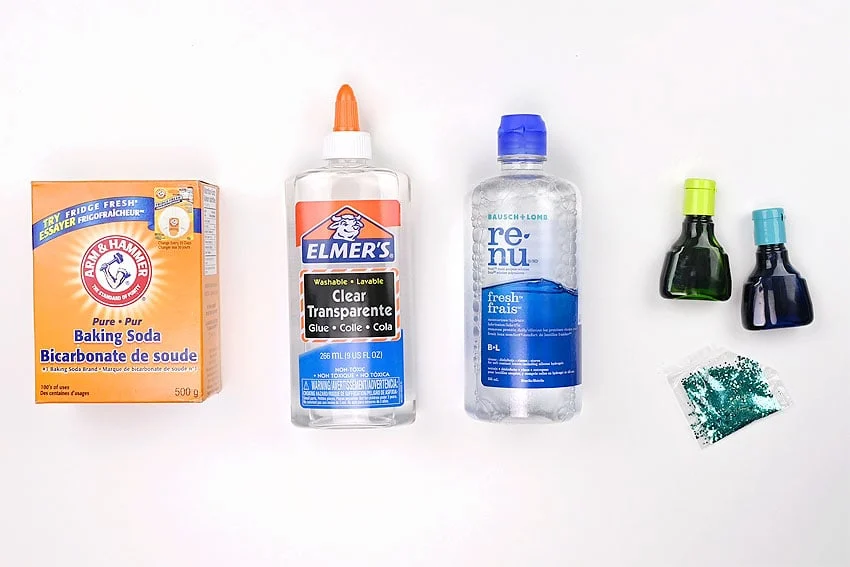
Materials:
- 1/2 cup Warm water
- 1/2 teaspoon Baking soda
- Food colouring (green and blue)
- 1/2 cup Clear glue
- Glitter (white, teal, and blue)
- 2 Tablespoons Contact lens solution
Equipment:
Instructions:
Step 1: Find what you need
- Gather your supplies and materials.
Step 2: Combine the main ingredients
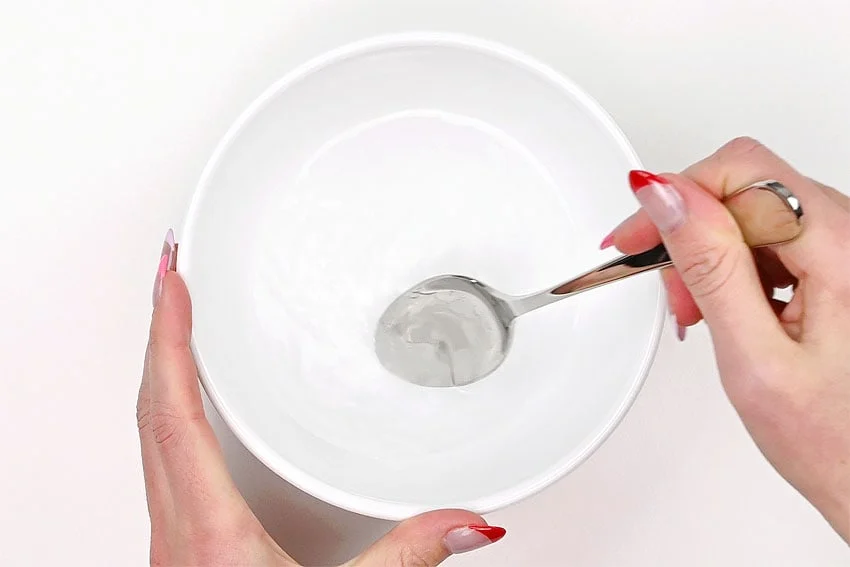
- Stir together the warm water and baking soda.
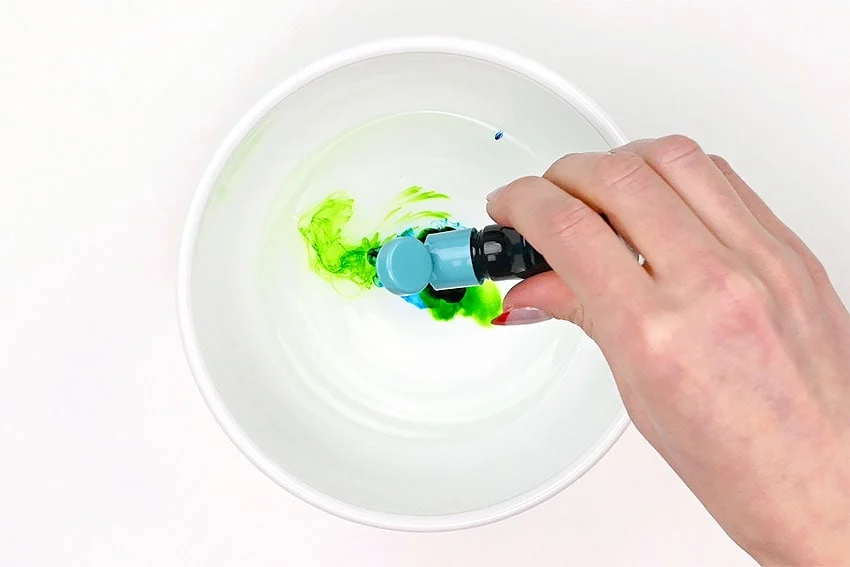
- Add 1 drop of green food colouring and 2 drops of blue. Stir.
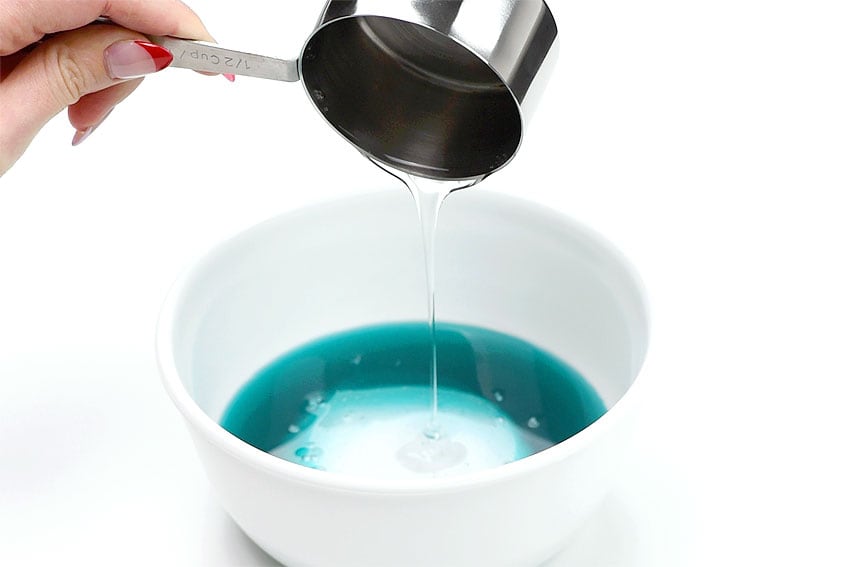
- Pour in the clear glue and stir to combine.
Step 3: Add glitter to the bowl
- Pour in whatever glitter colours you think fit your mermaid slime. Measure with your heart!(We poured in about 1 teaspoon of iridescent white glitter, 3/4 teaspoon of teal, and 1/2 teaspoon of blue.)
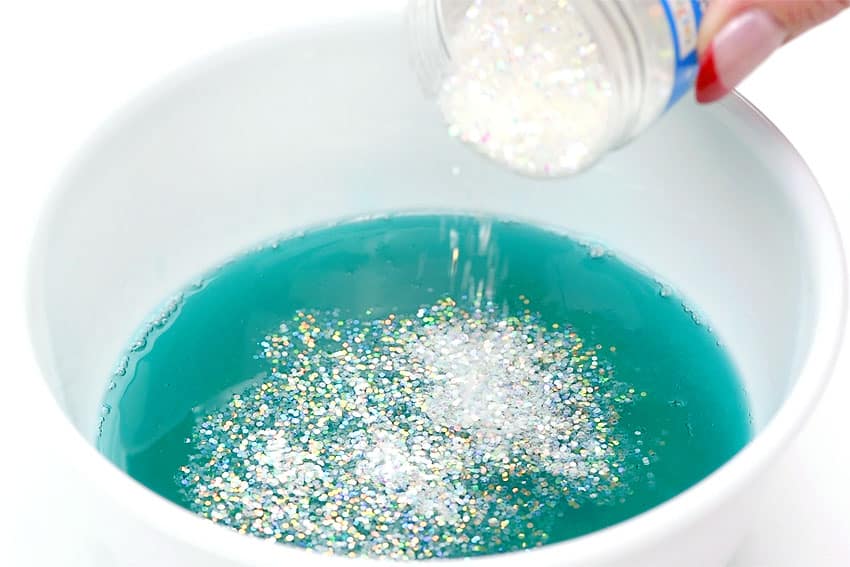
- Stir the glitter into the glue and water mixture until well combined.
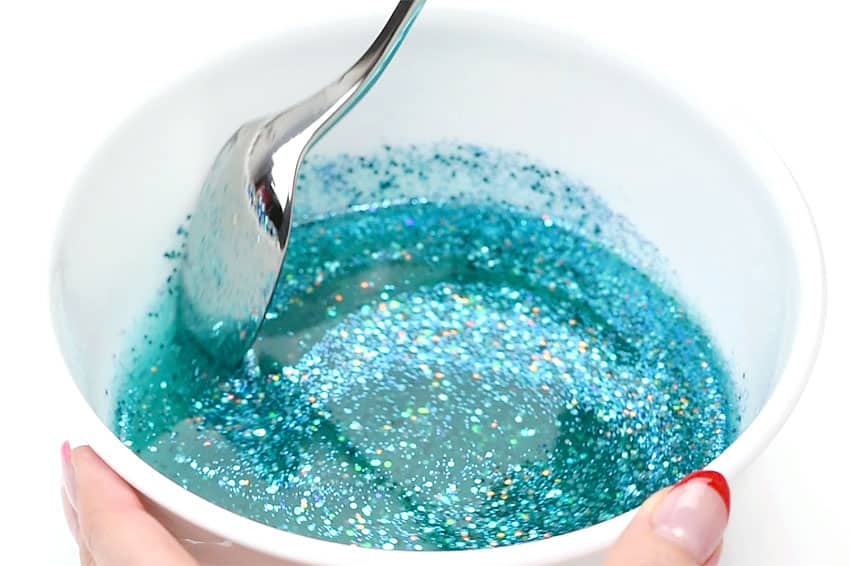
Step 4: Add the slime activator
- Pour the contact lens solution into the bowl.
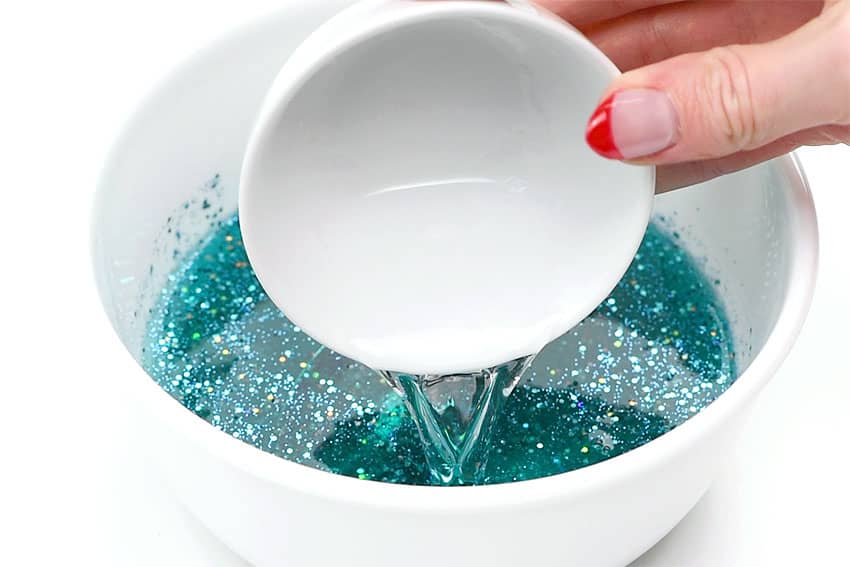
- Stir well until it turns into slime.
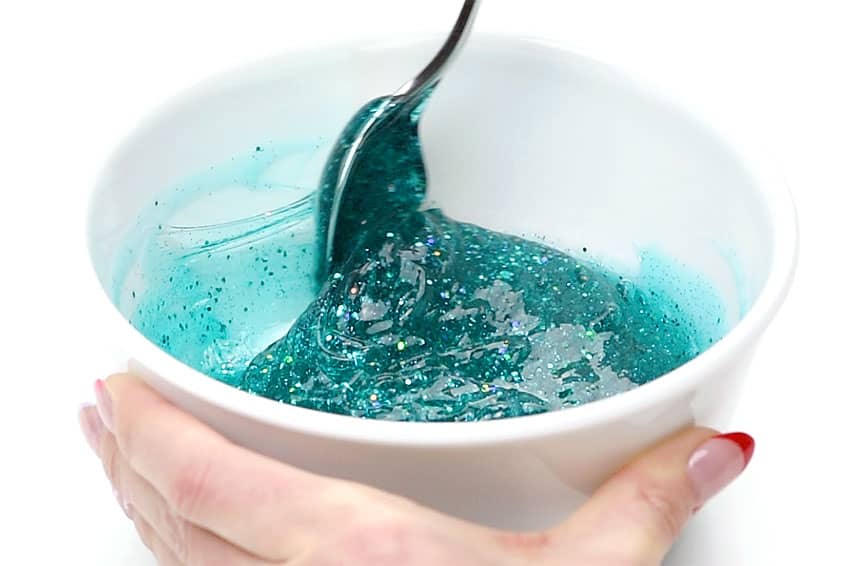
- Optional: If your slime is still too sticky, add in another 1/2 Tablespoon of contact lens solution, a little bit at a time, stirring as you go.
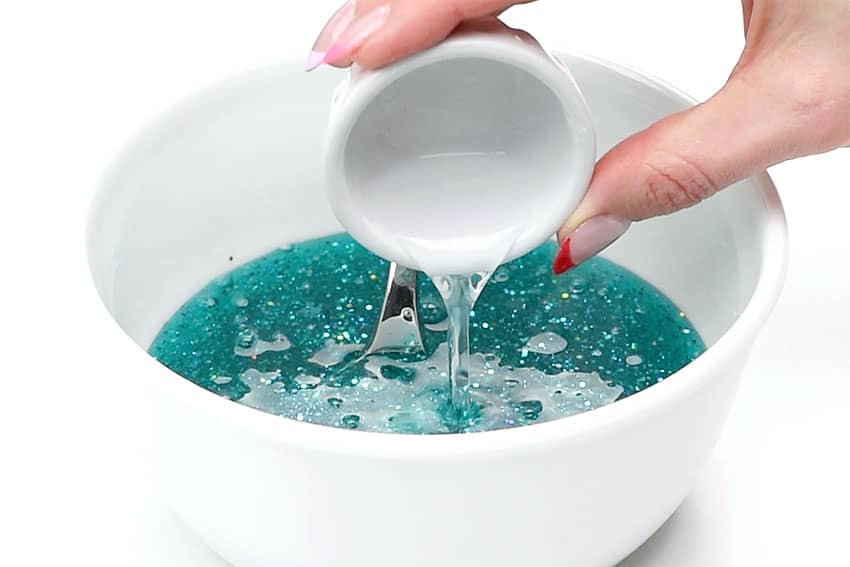
- Stir to combine.
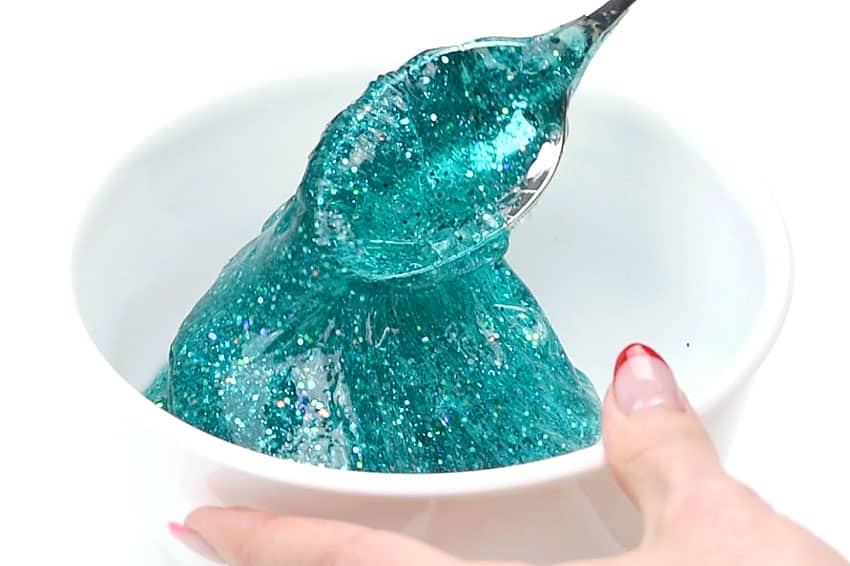
- Knead the slime well. You should be able to pick it up without it sticking to your hands.
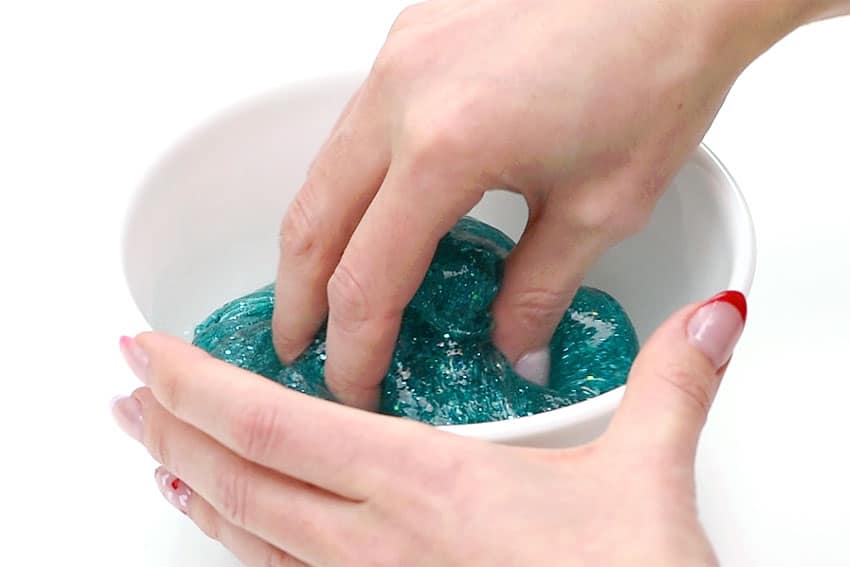
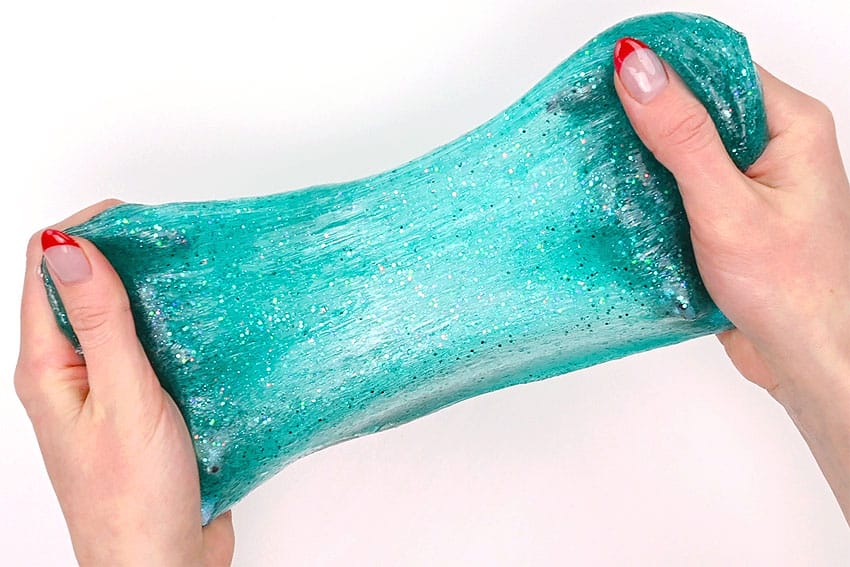
- Your mermaid slime is complete!
Helpful Tips
- Read through the full tutorial before starting.
- Prepare the listed supplies ahead of time so each step is easier to follow.
- Check the finished craft against the instructions before displaying or using it.
FAQs
Is this tutorial beginner friendly?
Yes. This mermaid slime kids craft is written with simple steps and extra tips for beginners.
Can kids make this craft independently?
Older kids may be able to work independently, while younger kids should have help with any steps that require close attention or small pieces.
How long does the craft take?
Most versions take about 30 minutes, depending on the materials and the pace of the crafter.
Can I use different colors?
Yes. Changing the colors is one of the easiest ways to personalize the finished craft.
Final Thoughts
Once the mermaid slime kids craft is finished, take a moment to check the details, compare the result with the tutorial, and display the project somewhere kids can enjoy their work.