Affiliate disclosure: Easy Crafts Ideas may earn a commission from qualifying purchases made through links on this page, at no extra cost to you.
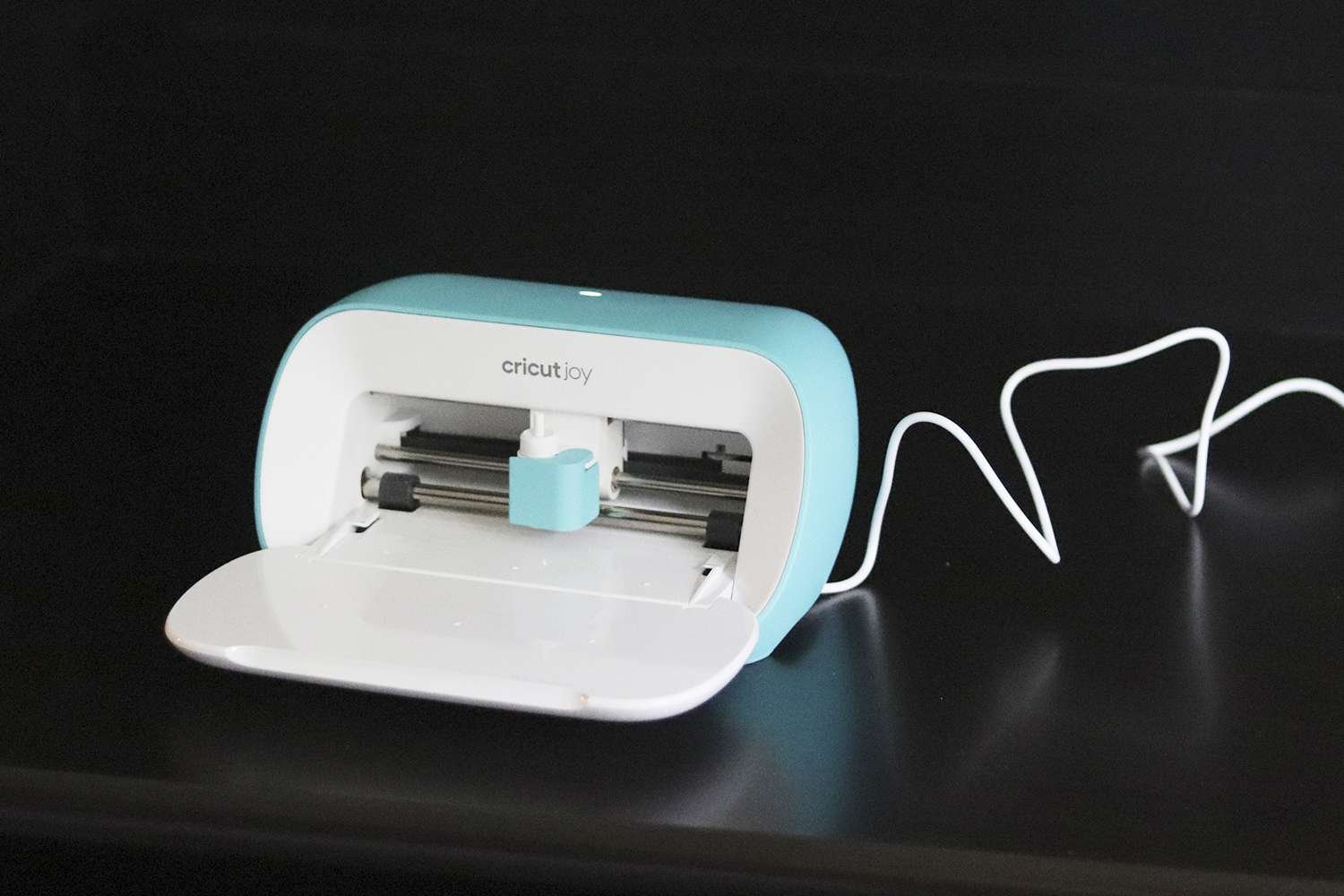
The original Cricut Joy is still one of the smallest ways to get into app-guided cutting, labels, cards, decals and simple iron-on projects. But in 2026 the buying decision is different from when the machine first launched: Cricut now sells the newer Cricut Joy 2, which adds Print Then Cut and scoring while keeping the same compact idea.
This updated Cricut Joy review focuses on documented features, current Cricut support information and practical buying trade-offs. It does not claim new hands-on testing that we did not perform for this update.
Cricut Joy review: the short answer
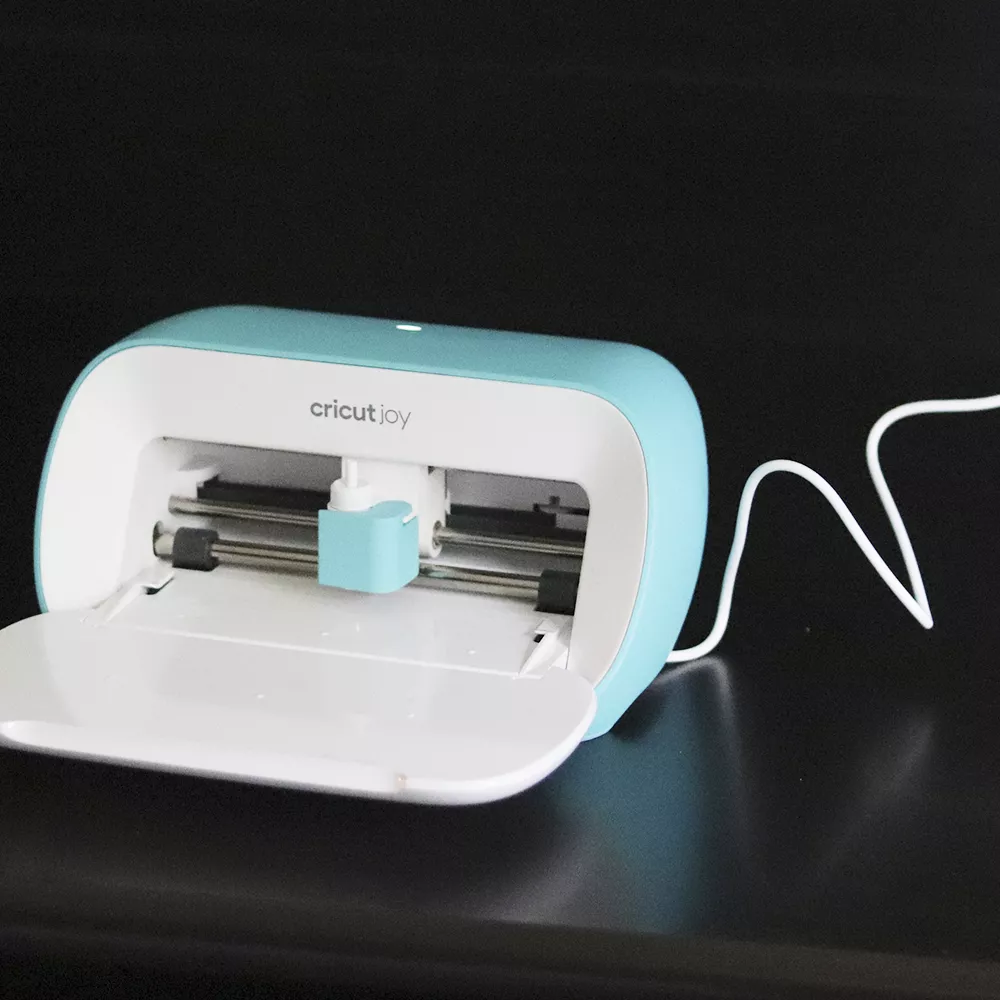
The original Cricut Joy still makes sense if you find it at a good price and mainly want labels, cards, vinyl decals and small iron-on projects. It is compact, easy to store and works with Cricut Smart Materials for mat-free cutting. The trade-off is that it cannot Print Then Cut, cannot score, and has a much narrower working width than Cricut’s larger machines.
For a first-time buyer paying close to full retail, the newer Joy 2 is usually the more future-proof small-machine choice because Cricut added Print Then Cut and scoring. If you already own the original Joy, however, there is no reason to replace it just because a newer model exists unless those two features matter to your projects.
Check current Cricut Joy availability on Amazon
What the original Cricut Joy can do
Cricut’s current support documentation lists the original Joy at about 8.4 × 5.4 × 4.3 inches and roughly 3.9 pounds. It connects to Cricut Design Space and can cut, draw and write. With compatible Smart Materials, it can cut up to 4.5 inches wide and individual continuous designs up to 4 feet long, with repeated cuts extending farther.
That narrow format is the defining characteristic of the machine. It is not a general replacement for an Explore or Maker. It is better understood as a compact project machine for jobs such as:
- pantry, storage and school labels;
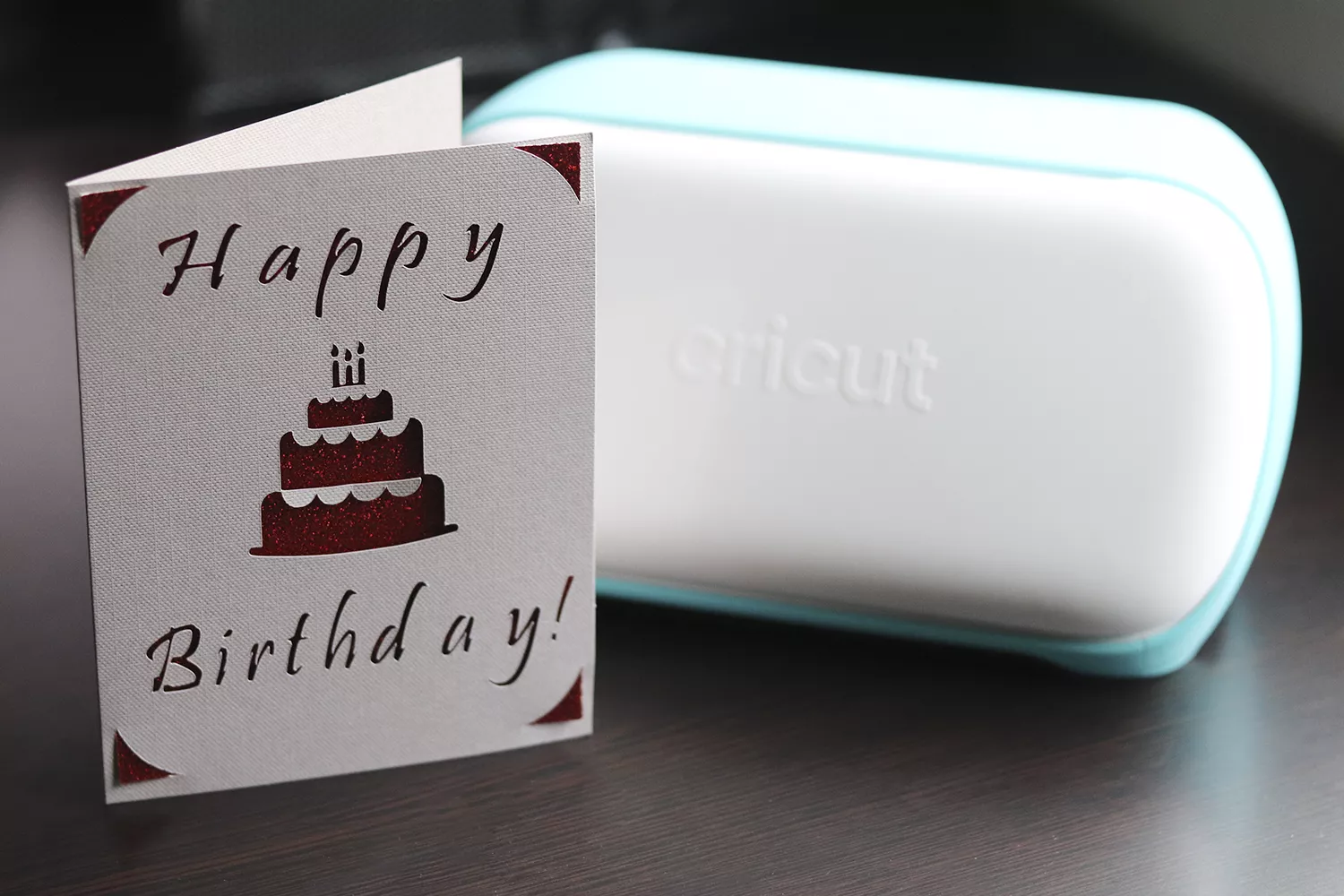
- greeting cards and small paper projects;
- vinyl decals for cups, containers and organizers;
- simple iron-on names and graphics;
- small batches of repeated shapes;
- drawing or writing with compatible Cricut Joy pens.
If those are the projects you actually make, the small footprint is a feature rather than a limitation. If you expect to cut wider cardstock, larger shirt graphics, fabric, leather or heavier specialty materials, start with our guide to die-cut and craft cutting machines instead.
Cricut Joy vs Cricut Joy 2 in 2026
| Feature | Cricut Joy | Cricut Joy 2 |
|---|---|---|
| Cutting width | Up to 4.5 in with Smart Materials | Up to 4.5 in with Smart Materials |
| Print Then Cut | No | Yes |
| Scoring | No | Yes |
| Drawing / writing | Yes | Yes |
| Smart Materials | Yes | Yes |
| Best fit | Basic labels, cards, decals, simple iron-on | The same projects plus printable full-color projects |
Cricut introduced Joy 2 in 2026 as the next generation of its compact cutter. The biggest practical difference is Print Then Cut: Joy 2 can work with a home inkjet printer for full-color printable projects such as stickers. It also adds scoring. Cricut says Joy 2 supports 75+ materials, while the original Joy supports 50+.
That means the original Joy is now easiest to recommend on value. If it is meaningfully cheaper than Joy 2 and you do not care about printable stickers or scoring, it still covers the core jobs it was designed for.
What we like about the original Cricut Joy
It is genuinely easy to store
The strongest reason to choose Joy over a larger cutter is still physical size. You do not need a permanent craft table. The machine can live on a shelf or in a cabinet and come out only when you need it.
Smart Materials reduce setup for simple projects
Compatible Smart Materials can feed directly into the machine without a cutting mat. For labels and repeated vinyl shapes, removing the mat step makes short projects feel much less fussy.
It covers the projects many casual crafters actually make
A machine does not have to cut wood or fabric to be useful. For labels, decals, cards and small iron-on designs, Joy’s limited toolset can actually make the workflow easier to understand.
Where Cricut Joy feels limited now
The 4.5-inch width is restrictive
This is the most important limitation. Wider shirt graphics, scrapbook layouts, signs and many paper projects quickly push you toward Joy Xtra, Explore or Maker.
No Print Then Cut
Printable full-color stickers are one of the biggest reasons a new buyer may prefer Joy 2 or Joy Xtra. The original Joy cannot use Cricut’s Print Then Cut workflow.
Design Space still matters as much as the machine
Joy depends on Cricut Design Space. Simple premade projects are approachable, but creating a custom design from scratch still requires learning Cricut’s software terms and workflow. If you dislike app-dependent tools, that should factor into the purchase.
Accessories add to the real cost
The machine alone is only part of the setup. Depending on your projects, you may need vinyl, transfer tape, pens, card mats, weeding tools, iron-on material and other accessories. Avoid judging value only by the machine’s sale price.
Who should buy the original Cricut Joy?
The original Joy is a sensible choice for an occasional crafter who values small size more than maximum capability. It fits especially well in apartments, shared spaces, classrooms, dorms or homes where a craft machine cannot stay permanently set up.
It is also a reasonable second Cricut for someone who already owns a larger machine but wants a quick label-and-card cutter that is easier to move around.
Who should skip it?
Skip the original Joy if your main goal is printable stickers, wider T-shirt graphics, large paper designs, fabric work or cutting specialty materials. A Joy 2, Joy Xtra, Explore or Maker is a better starting point depending on project size and material needs.
If you are comparing the broader Cricut range, see our Cricut Explore Air 2 review, Cricut Maker review and Sizzix Big Shot review.
Is Cricut Joy still worth it in 2026?
Yes, but mainly when the price reflects that it is now the older model. The original Joy remains a useful compact cutter and its core strengths have not disappeared. What changed is the competition inside Cricut’s own lineup.
For a bargain price, a used machine in good condition, or a household that only wants labels, cards and simple vinyl, the original Joy can still be a smart purchase. For a new buyer choosing at similar prices, Joy 2 is easier to justify because Print Then Cut and scoring expand what the same compact format can do.
Before buying, compare the total cost of the machine, the materials you will actually use and any accessories your first projects require. That is a better measure of value than the headline machine price alone.
Sources used for this 2026 update
Specifications and feature differences were checked against Cricut’s current Cricut Joy support guide, Cricut Joy 2 support guide and Cricut machine comparison. Product features can change, so check current manufacturer documentation before purchase.