

The 7 Best Iron-On Transfer Paper
Iron-on transfer paper is a fantastic, affordable, and relatively simple method of transferring an image onto a fabric. You can use iron-on transfer paper with an at-home printer (inkjet is most commonly used). Simply print your image onto the iron-on transfer paper and press the image into your material—like a cotton T-shirt—to transfer the printed image using a heat press or an iron.
This guide keeps the existing seven-product lineup and compares it by verified printer compatibility, fabric color, application method, cutting workflow, and care requirements. Existing related references retained: Avery Printable DIY T-Shirt Transfers Product-specific compatibility and care guidance should come from the current instructions for the exact transfer sheet.
Start with printer technology, then choose the transfer type for the garment color, and finally check the product-specific application and wash instructions. That sequence is more useful than choosing one universal winner.
PrintWorks Dark T-Shirt Transfers for Inkjet Printers at Amazon
[content-egg module=Amazon]
Best Overall
Avery Printable DIY T-Shirt Transfers
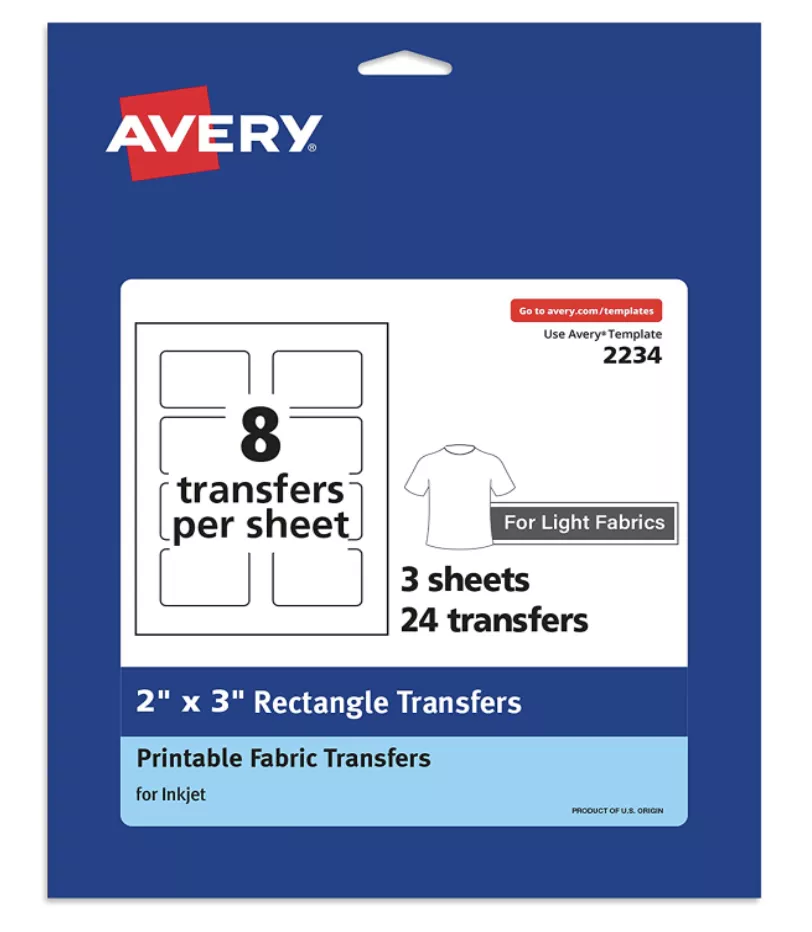
PHOTO: Source: Avery
Avery 3275 Fabric Transfers for Light Fabrics are 8.5 x 11-inch inkjet transfer sheets for white or light-colored 100% cotton or cotton/poly blends. Avery documents use with a standard iron or professional heat press and says the sheets can be trimmed with scissors or compatible electronic/die-cutting machines.
Ultimately, the value and quality of this product make it an excellent pick if you have an inkjet printer and a lot of projects you want to make. Avery also has its own design software that comes free with your purchase, so you can feel free to use any of its templates for your designs.
Best for Cricut
Silhouette Printable Heat Transfer Sheets for Dark Fabrics
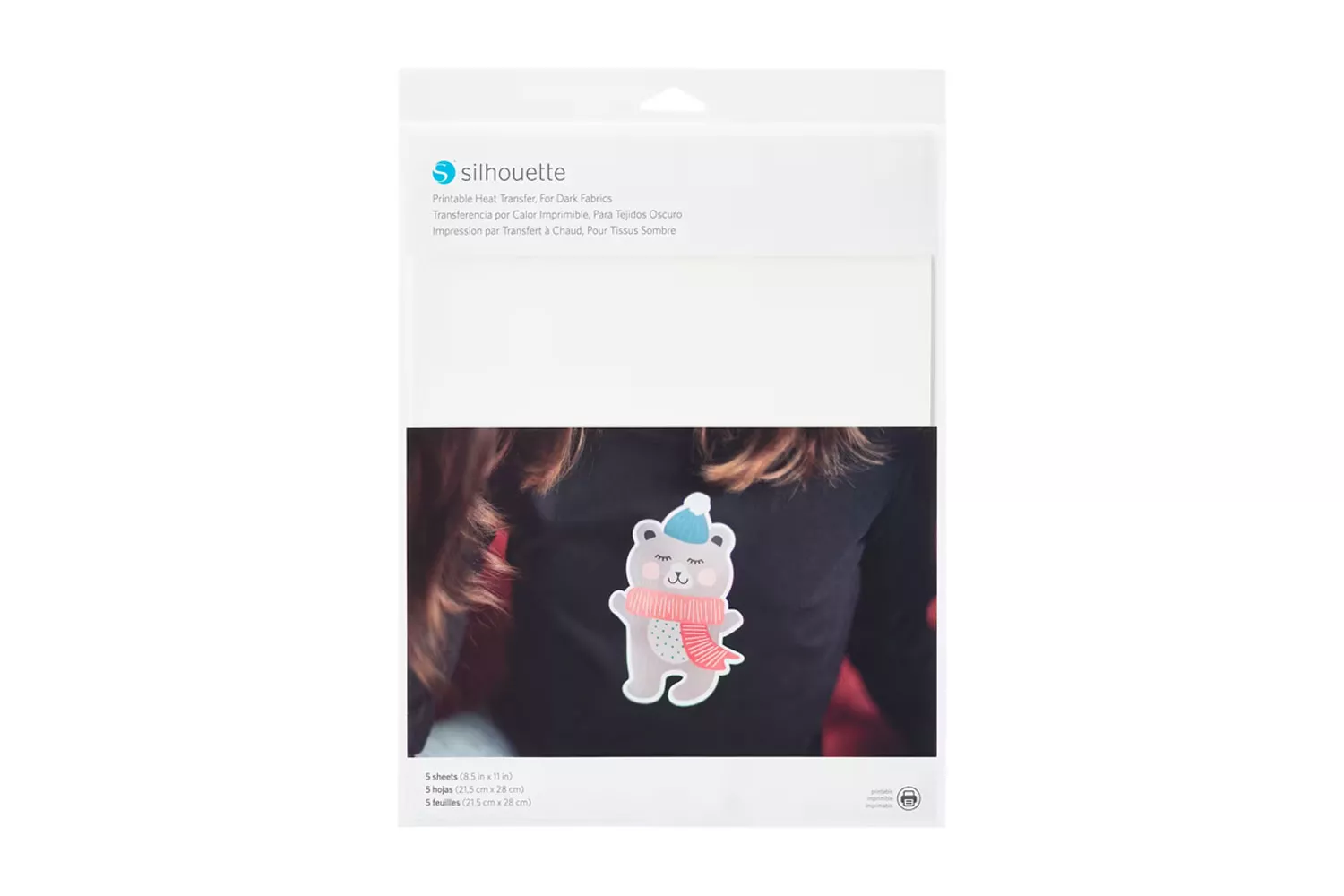
PHOTO: Silhouette
The print-then-cut feature in Cricut Design Spaceallows for cutting out intricate images on all types of paper, including heat transfer paper. Used with an inkjet printer and—if you have it—a heat press, you’ll be able to press finely-cut designs without any hint of white space or edges.
Because this is an opaque printable heat-transfer material rather than a transparent light-fabric transfer, the unprinted material can remain visible around the artwork. Trim the contour deliberately and follow Silhouette’s current application instructions for the material.
Best for T-shirts
Photo Paper Direct Premium Iron-On White and Light Color T-Shirt Transfer Papers
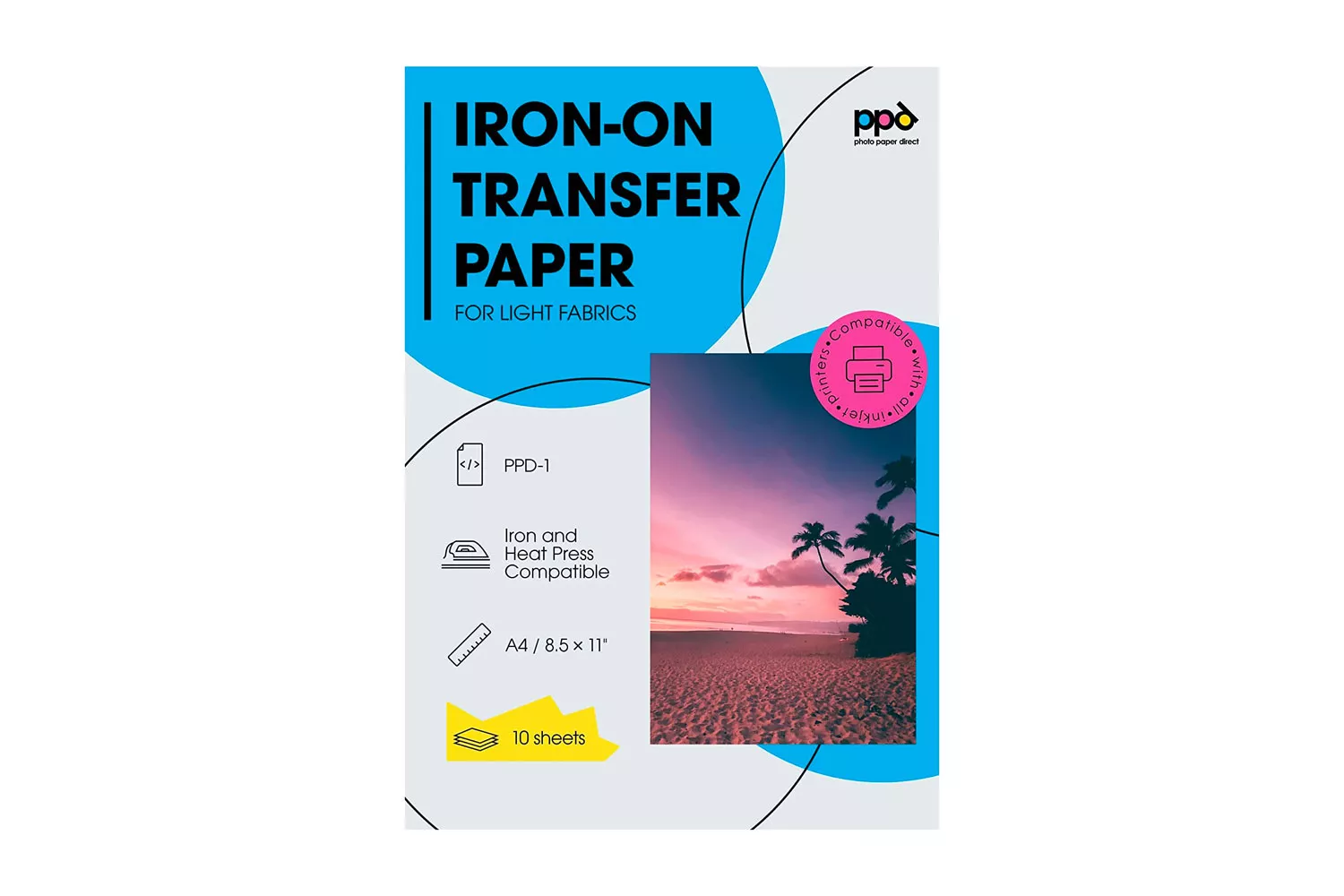
PHOTO: Amazon
Photo Paper Direct PPD-1 is an inkjet transfer paper for white and light-colored fabrics. PPD lists household-iron and heat-press application, and its current light-transfer guidance calls for mirrored artwork before printing and application.
This paper has a clear background, which is fantastic in terms of making the perimeter of an image look clean and less noticeable. (For the cleanest-looking results, try a die-cutting machine, which can cut images with optimal precision). Moreover, the image transfer is flexible and resistant to cracking or peeling. This paper pack comes with wonderfully detailed instructions—we advise you to follow them carefully for best results.
Best for Inkjet Printers
Jetpro Softstretch Heat Transfer Paper
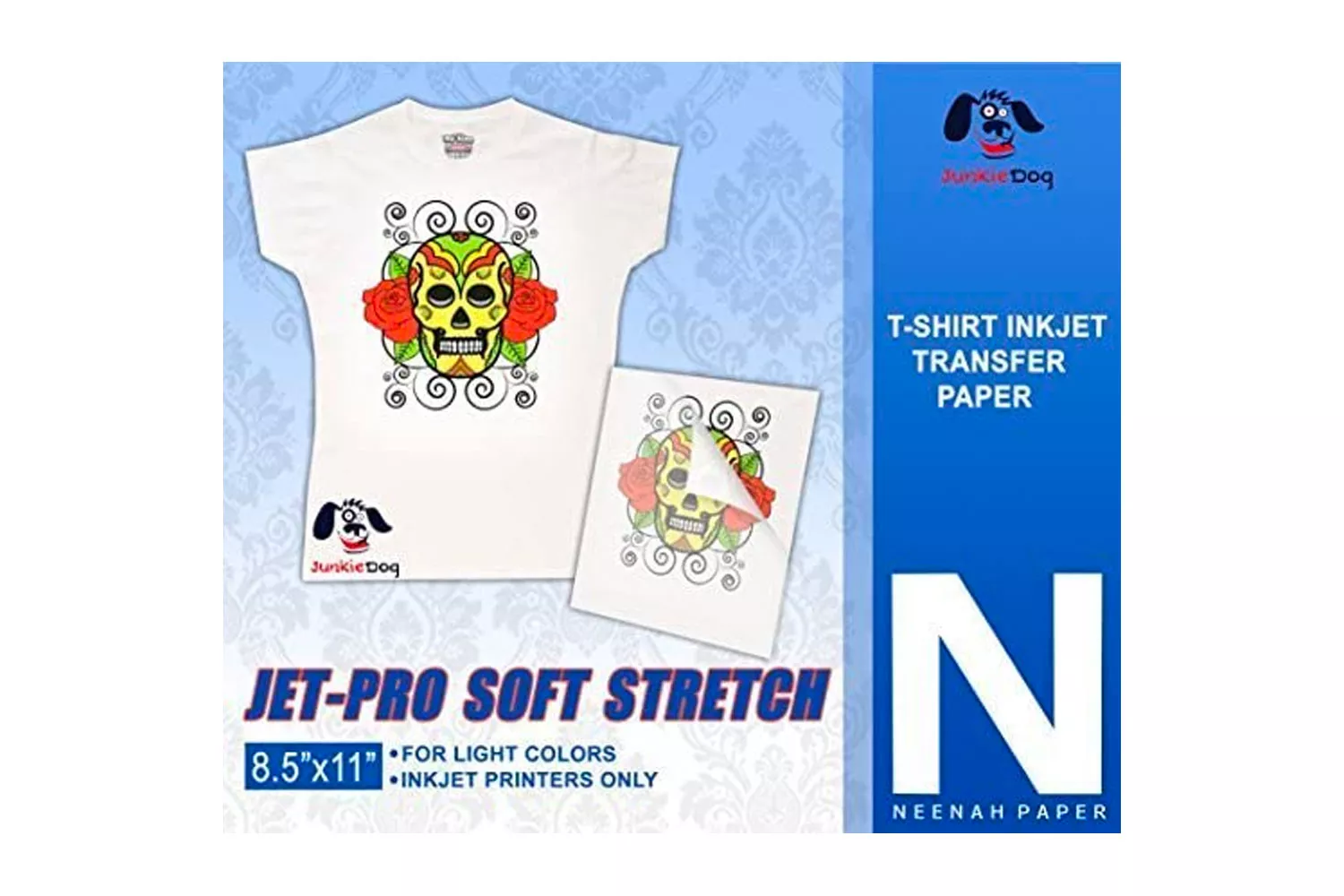
PHOTO: Amazon
JET-PRO SS SoftStretch is a light-fabric inkjet heat-transfer paper associated with the Neenah product line. Current supplier guidance lists white/light fabrics, 100% cotton or cotton blends, mirrored printing, and either a heat press or conventional home iron as supported parts of the workflow.
(That said, as a general rule of thumb, it’s always a good idea to give your new heat transfer creations some time to “set” and then wash them on a low setting, inside-out).
Best for Dark Colors
PrintWorks Dark T-Shirt Transfers for Inkjet Printers
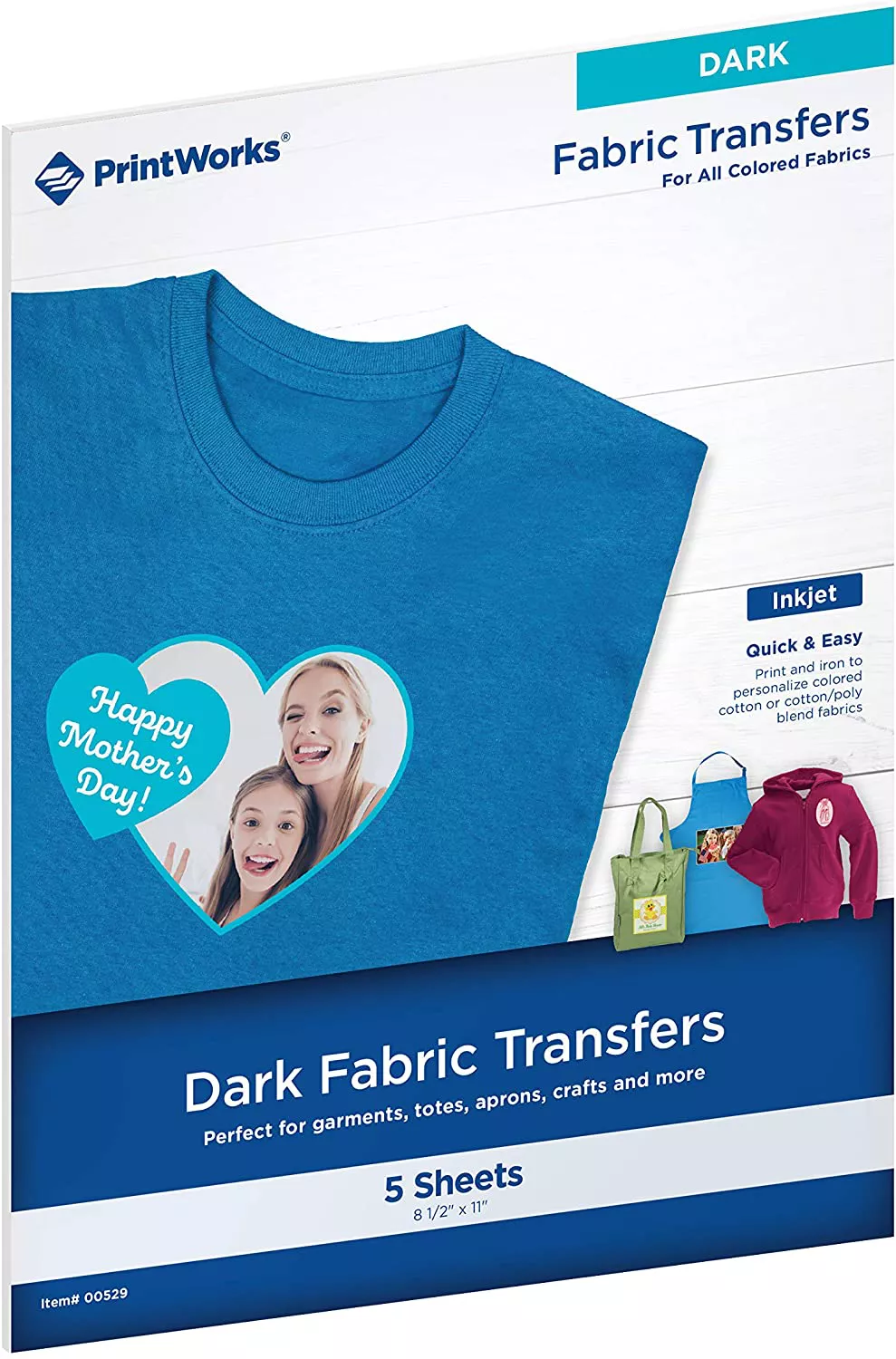
PHOTO: Courtesy of Amazon
The price is right, making it a great budget option that doesn’t significantly sacrifice on quality. For this reason, it’s an ideal pick if you’re planning on making a large batch of shirts—say, for an event—for numerous people. In addition to dark fabrics, this paper can also be used with light fabrics, making it a versatile option.
Follow the PrintWorks package instructions for application and laundering. Avoid carrying wash-durability claims from one transfer brand to another because coating, pressure, heat, and garment preparation requirements differ.
Best for Laser Printers
Heat Transfer Paper Premium Red Line for Dark Fabric 25 Sheets 8.5 x 11

PHOTO: Amazon
Red Line is a specialty laser-transfer medium marketed for dark garments. Current supplier documentation identifies it for laser printers/copiers and emphasizes confirming printer compatibility before running specialty transfer stock; follow the current Red Line application sheet rather than assuming inkjet-style instructions apply.
The laser printer is good for a range of materials, too, including cotton, polyester, and denser, coarser materials and items like tote bags. Each sheet is standard letter size (8.5 x 11 inches) and glides smoothly through any laser printer with minimal risk of jamming. The paper itself is flexible and easy to cut, making it a breeze for beginners to work with.
Best Versatile
NuFun Activities Inkjet Printable Iron-On Heat Transfer Paper, Light and Dark Combo Pack

PHOTO: Amazon
NuFun’s current Light + Dark Combo Pack contains separate light- and dark-fabric transfer sheets. NuFun states that the light sheets are inkjet-only, while the dark sheets support both inkjet and laser printers; both categories can be applied with a household iron or heat press and can be used with cutters or die-cutting machines.
The light and dark sheets in the NuFun combo do not use identical printing and transfer steps. Identify the sheet type before printing and follow the matching NuFun instructions for image orientation, application, and care.
Final Recommendations by Use Case
There is no single best iron-on transfer sheet for every project. Match printer technology first, garment color second, and application method third; then compare fabric compatibility, print orientation, trimming, and care instructions for the products that fit those constraints.
Avery Printable DIY T-Shirt Transfers, is among the most popular inkjet transfers on the market. We appreciate that it prints clear, crisp images in bright colors—all at an incredible value. If you’re handling darker fabrics, the Printworks Dark T-Shirt Transfers are ideal if you plan on making a large batch of shirts for a group of people.
How to Choose Iron-On Transfer Paper
Printer Type
It’s crucial to buy the right type of iron-on transfer paper for the type of printer you’ll be using. Most iron-on transfer paper sheets are made for use with inkjet printers. However, if you don’t have an inkjet printer and have a laser printer instead, look for laser-printer-compatible iron-on transfer paper. These are harder to come by than their inkjet counterparts, but they do exist!
Dark vs. Light Fabric
You’ll notice that iron-on transfer paper comes in one of two forms: light fabric and dark fabric (that said, there are a few iron-on transfer papers that work with both). If you’re planning to transfer a design onto a white T-shirt, you’ll want to look for a paper pack designed for white or light fabrics; same goes for dark fabrics (look for paper designed for dark fabrics). Iron-on transfer paper made for dark fabrics will have a white background, which allows the image to show up on a dark fabric.
For a clean, crisp look, it’s important to cut as closely to the edge of the image as possible to not have an unintentional white border or perimeter showing around your image. Iron-on transfer paper made for white or light fabrics is often transparent in nature in terms of the paper background itself. This allows the white of the fabric to show through and essentially “fill in” the gaps where white would be in the image. Since white or light fabric paper is often transparent, the image printed on the paper will not show up well on dark fabrics.
Detailed Instructions
-
How long does iron-on transfer paper last?
Transfer durability varies by product, fabric, application quality, and laundering. Use the waiting period and wash-care instructions supplied for the exact transfer sheet instead of relying on a universal lifespan estimate.
Since the images are technically on top of your garment when transferred, they are not fully integrated with the fabric. Therefore, images transferred via heat transfer paper are never fully permanent and eventually tend to peel or crack. (Sidenote: Sublimation, a process whereby special inks are literally infused into the substrate, is a permanent and totally crack-resistant, peel-resistant method of image transfer. However, it’s more involved and costly).
-
How do you stop iron-on transfers from peeling?
If a transfer lifts or peels, first compare the project against the manufacturer’s pressure, heat, surface, peel, and care instructions. Causes vary by transfer media, garment, equipment, and application method, so do not copy generic settings from another brand.
It’s also important to consider your substrate; in other words, are you transferring an image onto a cotton T-shirt? A canvas surface? The material will make a difference in terms of how long you need to apply heat and at what temperature. Lastly, if you’re transferring onto a T-shirt or other wearable garment, make sure the first wash is on a low setting and that the garment is turned inside out.
-
Should you wash a shirt before using iron-on transfer paper?
Garment-preparation requirements vary by transfer product. Follow the transfer manufacturer’s current preparation and care instructions for the exact sheet and fabric rather than assuming that pre-washing is always required or always optional.
Fabric Material
Check the exact fabric composition listed for the transfer paper. Cotton and cotton/poly blends are common targets, but stretch, surface treatments, texture, and heat sensitivity can change what is suitable.
Iron vs. Heat Press
Use the application method documented for the exact transfer. A heat press gives more controlled heat and pressure, while some products also support a household iron. Do not copy another brand’s time, temperature, pressure, or peel method.
Mirroring and Print Orientation
Do not mirror every transfer automatically. Many light-fabric products require mirrored artwork, while many opaque dark-fabric transfers are printed right-reading. Confirm the instruction sheet before printing.
Cutting-Machine Compatibility
Opaque transfers often benefit from close contour trimming. If the manufacturer documents electronic cutting, follow the transfer-specific cutter and print-orientation instructions instead of assuming printable transfer media behaves like ordinary paper.
Wash and Care Requirements
Read the care instructions before making the garment. Waiting time before the first wash, wash temperature, inside-out washing, drying method, bleach restrictions, and direct-ironing rules vary by transfer product.
How to Use Iron-On Transfer Paper
- Confirm that the transfer sheet matches the printer type and garment color.
- Prepare the artwork at the correct size and check whether the product requires mirrored or right-reading printing.
- Run a plain-paper test print before using a transfer sheet.
- Print on the coated side specified by the manufacturer.
- Trim the design if the transfer type requires it.
- Prepare a clean, dry, wrinkle-free garment.
- Apply heat, pressure, peel method, and cooling time exactly as instructed for that transfer product.
- Follow the product-specific waiting period and wash-care instructions before laundering.
Common Iron-On Transfer Paper Mistakes
- Using the wrong printer technology: inkjet and laser transfer media are not automatically interchangeable.
- Using light-fabric paper on a dark garment: transparent or translucent areas can lose contrast.
- Mirroring every design automatically: print orientation depends on the transfer type.
- Copying another brand's heat settings: time, temperature, pressure, and peel method vary.
- Leaving a wide border around an opaque transfer: unprinted material can remain visible.
- Washing too soon or against the care instructions: follow the waiting and laundering guidance for the exact product.